YARGO - (Y)et (A)nother (R)etro (G)ames (O)rganizer
A downloadable tool for Windows
What is YARGO?
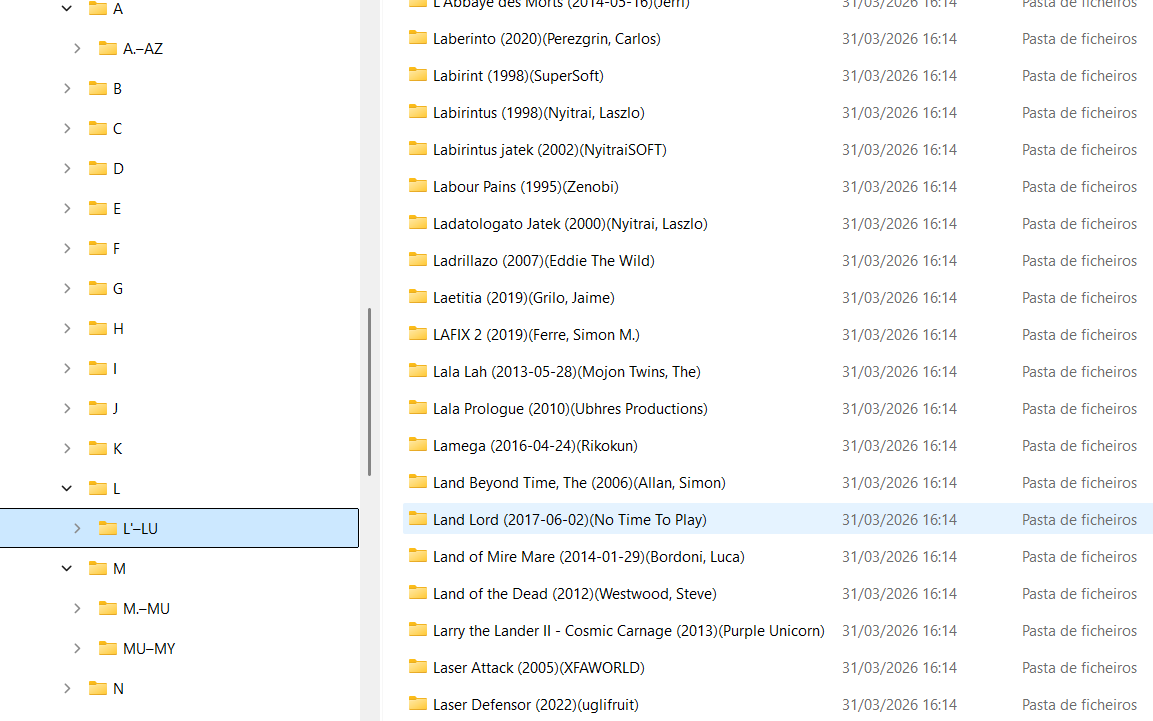
YARGO (Yet Another Retro Games Organizer) is a fast and intelligent ROM management tool designed to help you clean, sort, and structure your retro game collections with minimal effort. It uses TOSEC-inspired logic, smart filtering, and multilingual support to deliver a clean and predictable folder structure for your ROM sets.
Whether you maintain large archives or just want a tidy library for your emulator frontend, YARGO makes the process simple, transparent, and reliable.
Key Features
- TOSEC‑based organization logic Automatically sorts ROMs into structured folders using predictable naming and categorization rules.
- Smart filtering system Exclude unwanted files such as duplicates, hacks, bad dumps, demos, trainers, and more.
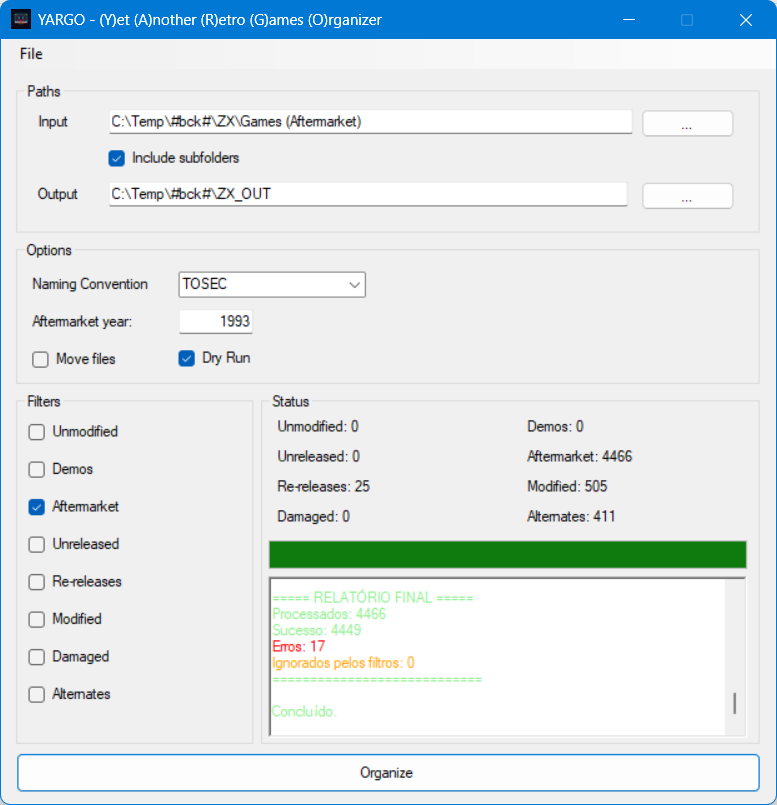
- Dry‑Run mode Preview all operations before applying changes — nothing is moved until you confirm.
- Multilingual interface Available in English, Portuguese, and Spanish, with automatic fallback.
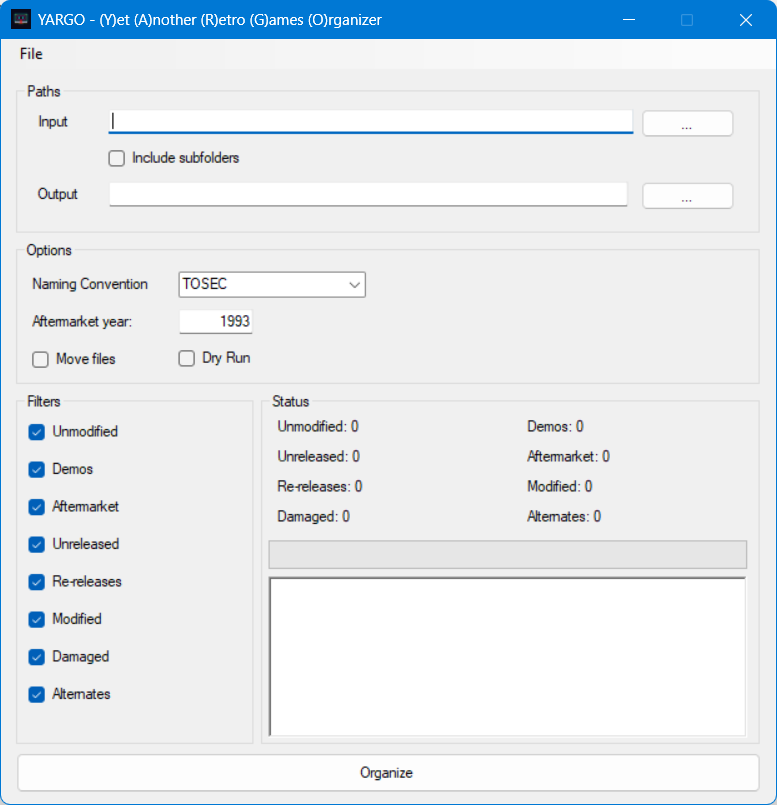
- Clean and simple UI A lightweight Windows application with a straightforward workflow.
- Safe and transparent No hidden operations. Every action is logged and visible to the user.
Why YARGO?
Managing ROM collections can be messy — inconsistent naming, duplicates, mixed regions, and endless variations. YARGO helps you regain control by applying consistent rules and giving you full visibility over what will happen before it happens.
It’s built for collectors, archivists, and emulator enthusiasts who want a clean, reliable, and repeatable way to organize their libraries.
Beta Notice
This is an early beta release. Feedback, bug reports, and suggestions are very welcome — they help shape the future of the tool.
⚠️Important Notice
Using YARGO requires caution. Although the application includes a Dry‑Run mode to safely preview all operations, it is strongly recommended that you create a full backup of your ROM collection before performing any real file operations.
YARGO will never modify or delete files silently. However, any tool that moves or copies large numbers of files carries inherent risk if incorrect folders or settings are selected.
If Move Files is unchecked, and Dry‑Run is also unchecked,
👉 the default behavior is to COPY files to the destination folder.
Download
Install instructions
How to Use
- Download and extract the ZIP file.
- Run
yargo_vx.x.x-beta.exe. - Select your source folder and destination folder.
- Choose your filters and options.
- Run a Dry‑Run to preview the results.
- Apply the changes when you're satisfied.
Requirements
- Windows
- .NET Framework 4.8 or later
Development log
- YARGO v1.1.0-beta — Update Released!85 days ago
Leave a comment
Log in with itch.io to leave a comment.